How to Redeem Push the Patient Codes
Be ready the moment a real promo code appears — UI checklist, common errors, and safe habits.
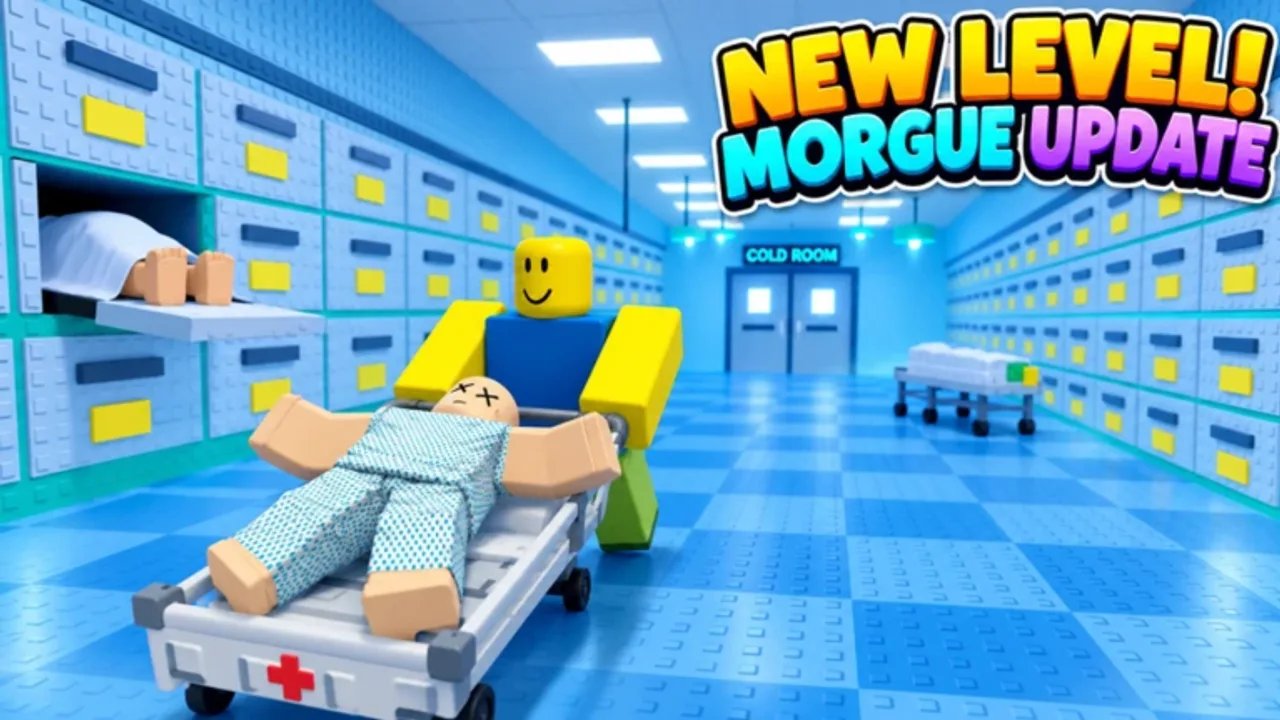
Promo codes for Push the Patient are not confirmed as of November 2026, but Roblox experiences often add a Codes button without much warning after a patch or event. This guide walks through a careful redeem flow you can reuse whenever Myriagone or an official announcement publishes a working string. Pair it with the live status on the Codes Hub so you never chase expired junk from random comments.
Before you redeem
Spend thirty seconds on prep. It prevents the most common “code does not work” tickets:
- Join the correct place — Open [1-2 PLAYER OBBY] Push the Patient from the official Roblox listing (see Official Links). Private test places and lookalike titles will not accept the same codes.
- Stay online long enough to load HUD UI — Some code buttons only appear after the character and bed spawn. If you open menus during the loading fade, you may miss the Codes entry.
- Copy the code exactly — Preserve capitalization unless the announcement says codes are case-insensitive. Remove leading or trailing spaces from chat copies.
- Use one account at a time — Redeem on the account that should receive the reward. Sharing a code across alts is fine when allowed; sharing your password is never fine.
- Check the Codes Hub first — Confirm the string is still listed as Active. If our table is empty, treat social-media screenshots with caution until you verify in-game.
Step-by-step redemption (when a Codes UI exists)
Roblox games place the Codes control in slightly different spots. Use this order so you cover the usual layouts without restarting mid-run:
1. Spawn and open the main menu
Enter a public server (server size is 18). Wait until you can move and interact with the hospital bed. Open the experience menu or the on-screen buttons along the edges of the HUD — look for labels such as Codes, Rewards, Gift, or a ticket icon.
2. Open the Codes panel
Tap or click the Codes control. A text field should appear with a Redeem, Submit, or Claim button beside it. If you only see shop or pass purchase screens, you are in the wrong panel — close it and scan again after the latest patch notes on the Updates Hub.
3. Paste the code and submit once
Paste the full code into the field. Double-check for invisible spaces. Press Redeem once, then wait for the success or error toast. Spamming the button can lock the request or show confusing duplicate errors even when the first attempt already succeeded.
4. Confirm the reward inventory
Successful redemptions usually show a short confirmation and grant the reward immediately (coins, cosmetics, boosts — whatever the announcement promised). Open your inventory or currency display to confirm the item landed before you leave the server.
5. Resume the run intentionally
Do not redeem while balancing on a rail above a long drop. Park the bed on flat ground, redeem, then continue. Duo pairs should call out “redeem pause” so the patient steerer is not mid-turn when the pusher opens UI.
If the game has no Codes button yet
That is the current November 2026 reality for many players: no verified codes and no guaranteed Codes UI. In that case:
- Do not install “auto redeem” executors or paid scripts promising secret rewards — see the Scripts Hub for why that is unsafe.
- Watch Updates during the live Morgue Update window (November 13–29, 2026) and any future events. Codes often hitch a ride with themed content.
- Keep practicing with Getting Started and the Difficulty Tier List. Progress does not depend on promo gifts.
When a Codes button finally appears after an update, return to this page and run the steps above on a quiet stretch of floor.
Troubleshooting failed redemptions
| Symptom | Likely cause | What to try |
|---|---|---|
| “Invalid code” | Typo, extra space, or fake list | Re-copy from an official source; compare with Codes Hub |
| “Already redeemed” | This account claimed it earlier | Check inventory; try a different account only if the rules allow |
| “Expired” / “No longer available” | Window closed | Mark it mentally as dead; wait for the next drop |
| No Codes button | Feature not shipped or UI behind a new patch | Rejoin after update; read Updates |
| Button does nothing | Lag or incomplete HUD load | Rejoin server; avoid redeeming during heavy particle sections |
| Reward missing after success toast | UI desync | Rejoin once; check currency and backpack again |
Extra checks that fix most issues
- Restart Roblox fully after a major client update — stale UI caches hide new buttons.
- Disable overlay tools that block clicks (third-party FPS overlays sometimes eat the Redeem hitbox).
- Avoid VPN hopping mid-redeem if your region already works; unnecessary IP changes can trigger temporary rate limits.
- Do not trust edited screenshots — scammers fake success toasts to sell “private” codes.
Duo etiquette while redeeming
Push the Patient supports solo or online duo play: one player pushes and brakes, the other lies in the bed and steers, and you can swap anytime. Redeeming mid-chaos is a classic wipe cause. Agree on a safe tile, stop the bed, redeem on one account at a time, then resume. If both players need the same code, finish one claim before the other opens menus so nobody rolls off a ledge.
Safety rules (non-negotiable)
- Never enter your Roblox password into a “code generator” website.
- Never download a “free codes unlocker” executable.
- Never pay Robux or real money to a stranger for a text string that should be free.
- Prefer official announcements and this wiki’s Codes Hub over anonymous comment pastes.
If someone DMs you a code and asks you to verify your account on an external site, stop. That is an account-steal pattern, not a gift.
After a successful redeem
Celebrate briefly, then put the reward to work without throwing the next attempt:
- Note what you received so you do not redeem the same code twice expecting a duplicate grant.
- Return to your route plan — early levels teach pills and rails; later stages (including the notorious dumbbell section around level 8) need clean braking more than cosmetic flair.
- Skim Updates in case the same patch that added the code also changed level geometry.
- Bookmark How to Redeem Codes for the next drop so your duo does not argue about menu paths under pressure.
Related pages
- Codes Hub — active / empty status table and verification policy
- Updates Hub — Morgue and Nursery event context
- Getting Started — controls and first-hour goals
- Scripts Hub — why unverified auto-redeem tools are a bad idea
- Official Links — Roblox game page and Myriagone profile
Frequently Asked Questions
Quick answers for duo runs, codes, updates, and stubborn hospital levels.
Why can’t I find a Codes button in Push the Patient?
As of November 2026 there are no confirmed promo codes, and many players report no Codes UI yet. Rejoin after major updates and check the Codes Hub before assuming a button should exist.
The game says my code is invalid. What now?
Remove spaces, match capitalization, confirm you are in the official place, and verify the code is still listed as Active. Invalid usually means a typo, a fake list, or an already-ended window.
Can both duo partners redeem the same code?
Each Roblox account typically redeems once. Stop the bed on flat ground, redeem on one account, then the other. Do not open menus while balancing on rails or near drops.
Are code generator sites safe?
No. Generators and paid unlockers are common malware and phishing vectors. Only redeem inside the Roblox experience using codes from trusted announcements.
Where should I look when a new code drops?
Start with this wiki’s Codes Hub and Updates pages, then official Myriagone posts. Redeem quickly — many Roblox codes expire soon after an update or stream.